
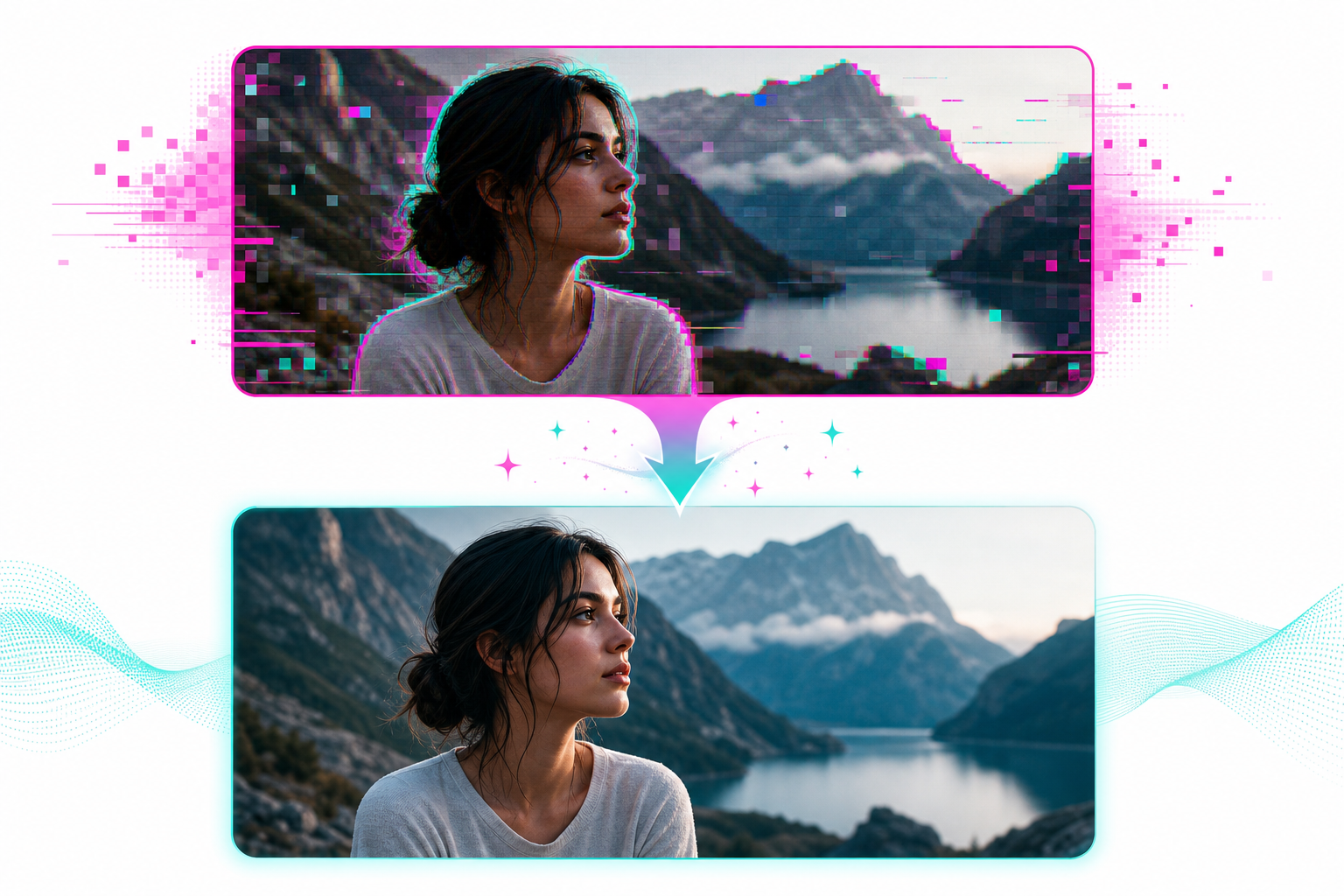
You generate an AI video. You watch it back. The visuals look slightly off. The voice has that distinctive AI cadence. Something feels uncanny. Your viewers can tell, and they scroll. This is the single most common pain point with AI video tools in 2026, and the fix is not 'wait for better AI.' The fix is using AI correctly. Here's exactly what separates AI videos that look fake from AI videos that pass as human.
The 5 things that scream 'this is AI'
1. The same flat AI voice across the whole video. A robotic monotone voice is the #1 tell. Even good AI voices need pacing variation. If your voice never accelerates, never pauses, never emphasizes, viewers feel it instantly.
2. AI-generated faces with weird hands or eyes. Generated humans still struggle with hands, ears, and small details. If you have to use AI characters, frame them to hide hands or use medium shots.
3. Visual style that changes mid-video. Image 1 is a painting, image 2 is photorealistic, image 3 is anime. The lack of visual consistency is a giveaway. Stick to one style across the whole video.
4. Generic stock-feeling b-roll. Endless aerial shots of cities, generic 'business handshake' clips, vague 'computer typing' footage. AI defaults to clichés. Beat it by being more specific in your prompts.
5. Off-rhythm captions and music. Music that doesn't match the script's energy. Captions that flash randomly instead of syncing to the speaker. The result feels assembled, not created.
The 6 things that make AI videos pass as human
1. A Gen 4 voice with conversational script. Use the latest TTS models (Eleven Labs v3 or equivalent). Write your script with contractions, fillers, and varied sentence lengths. The voice will pick up the human cues.
2. One consistent visual style. Pick photorealistic OR painterly OR cinematic. Stay there. Inconsistent visuals are 80% of the AI giveaway.
3. Specific prompts, not generic ones. Instead of 'a man walking', write 'a tall man in a wool coat walking across a rainy Tokyo intersection at night, neon reflections in puddles.' Specificity creates believability.
4. Word-by-word captions synced to the voice. Generic auto-captions look amateur. Word-by-word captions that pop with the speaker's rhythm look pro.
5. Sound design beyond music. Add subtle ambient sound, room tone, or background detail. Pure music + voice always feels artificial.
6. Cuts that match the rhythm. Hold each visual for the time the voice spends on that idea. Quick visuals for fast lines, lingering visuals for slower lines. AI tools that just play visuals on a fixed timer feel obviously automated.
Script writing tweaks that change everything
The script is the soul of the video. AI visuals can be perfect, but a robotic script kills the result.
Use contractions. 'You're' not 'you are.' 'Don't' not 'do not.' Always.
Vary length. Mix 4-word punches with 25-word sentences. Real humans do this naturally. Robots don't.
Add small fillers. 'Look,' 'so,' 'honestly,' 'the truth is.' One per paragraph. Adds rhythm.
Write to spoken English, not written English. Read your script out loud. If you stumble or it feels stiff, rewrite it. The voice will too.
The all-in-one tool that handles all of this
Doing all 6 things manually is doable but takes hours. Vexub bakes them in by default: Gen 4 voices (Eleven Labs v3), consistent style enforcement across all generated visuals, word-synced captions, rhythm-matched cuts, and music tied to script tone. The output passes as human in casual viewing tests for most viewers.
It's the difference between assembling a video from disconnected AI parts and using a system that orchestrates them coherently. Most creators who complain 'my AI videos look fake' are using 4 different tools that don't talk to each other. The fix is using one workflow where all the AI pieces are coordinated.
The honest answer
AI videos can absolutely look like AI in 2026 if you use cheap voices, generic prompts, and disconnected tools. They can also look fully human if you write scripts conversationally, use Gen 4 voices, keep visuals consistent, and tie everything to a coherent rhythm. The technology is there. The bottleneck is the workflow.
Pick a stack that handles the coordination for you, and ship videos that don't trigger the uncanny scroll.
Read next: AI voice that sounds human for YouTube and AI video quality real vs generated.
Create videos like this with AI
Script, voiceover, images and subtitles — automated in minutes.